“The images are low resolution.”
Print needs about 300 pixels for every inch of printed size (150 for big posters, less for billboards seen from far away). An image that looks fine on screen may only have 72–96 pixels per inch at the size you’re printing, so it prints soft or blocky. Changing the DPI number on its own doesn’t add detail; the fix is a bigger original, a vector redraw, or printing smaller.
Updated November 3, 2026 · by Azaan Ali, print designerWhy printers ask for this
A printed inch packs in far more detail than a screen shows. At 300 pixels per inch, a 4 × 6 in photo needs an image 1200 × 1800 pixels. A logo copied from a website is often 300 pixels wide in total: fine on a phone, blurry across a business card.
Changing a file from 72 to 300 dpi in Photoshop without adding pixels just makes it print smaller. Stretching the pixels (resampling) makes it bigger but not sharper. Printers check the effective resolution, the pixels you actually have at the size it prints.
How to fix low-resolution images for print
- Work out the effective resolution: pixels ÷ print size in inches. Our free DPI calculator at silenttdesign.com/tools/dpi-calculator/ does it for you.
- Look for a bigger original: the photographer’s full-size file, the stock site’s high-resolution download, or the original camera photo instead of one sent over WhatsApp.
- For logos, icons and text, don’t enlarge pixels: get or redraw them as vectors (AI, EPS, SVG or PDF), which print sharp at any size.
- For photos, a modern AI upscaler can add convincing detail when the original is close (around 150 ppi). Below that, print smaller or replace the image.
- Re-place the new image in the layout and export the PDF again.
Or send it to us
- Check every image at its real print size and flag the ones that will print soft
- Redraw logos and graphics as vectors so they print sharp at any size
- Upscale or rebuild photos where it will genuinely hold up, and tell you honestly where it won’t
- Find a licensed stock replacement if a photo can’t be saved, with your OK first
Questions
- Is 72 dpi always too low?
- The number on its own means nothing; what matters is pixels at the printed size. A huge 72 dpi image can still be 300 ppi at business-card size. Our DPI calculator shows the real figure.
- What resolution does a banner or billboard need?
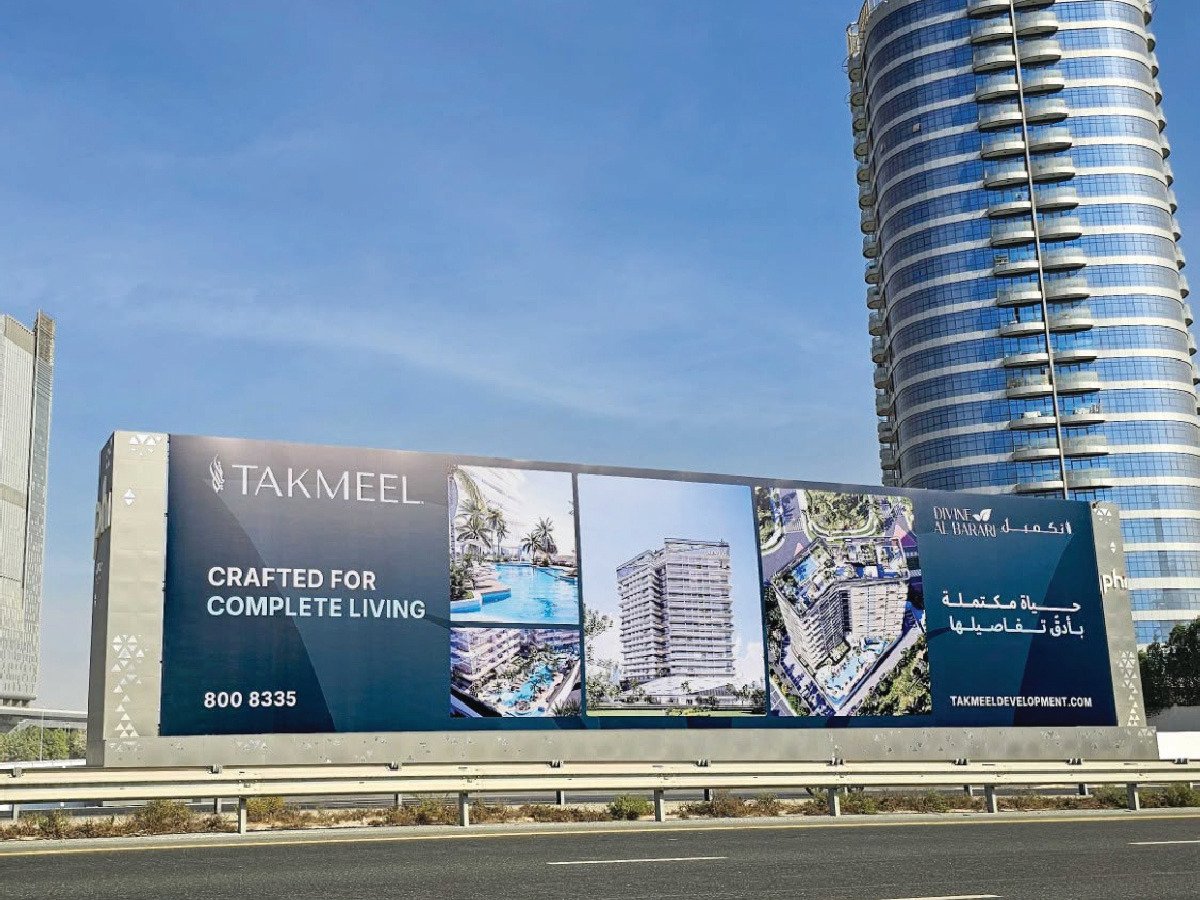
- Less than a flyer, because people stand further away: around 100–150 ppi at full size for banners, and as low as 20–40 for highway billboards.
- Can you make any image high resolution?
- No, and anyone who says yes is guessing. Logos and graphics can always be redrawn as vectors. Photos can be improved, but a tiny thumbnail can’t become a sharp poster. We tell you which is which before you pay for anything beyond the fix.
Terms on this page: DPI / PPI (resolution), Raster (bitmap), Vector.
Other things printers say
More on this kind of work: Print file fixing.
Send us the file.
Ask a question or send the file in the chat. A fixed price comes back within hours, and nothing starts until you say yes.